


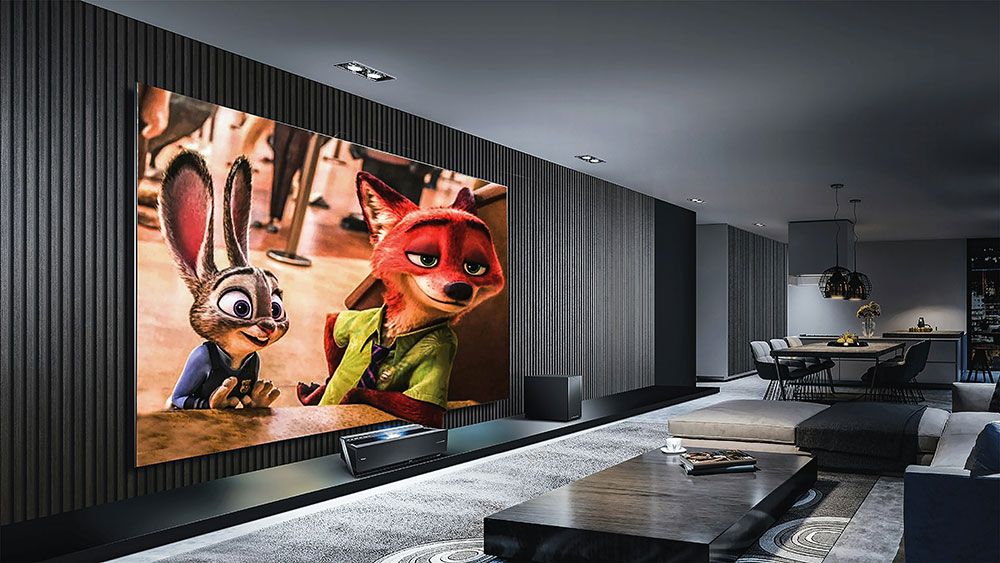

What do you imagine when you think of a ‘smart home’? Does a sleek, futuristic showroom-type place come to mind? Or maybe you picture The Jetsons house, complete with an automated cook? In reality, creating a smart home can be as simple as scheduling the lights to come on when you get home, or as complex as a fully integrated setup that manages security, entertainment, and even the indoor climate. The challenge is knowing where to start. Here’s a quick guide that breaks the process into clear, manageable steps so you can build a smart home setup tailored to your house, your habits and your budget.
Plan a smart home around your needs
Before shopping for gadgets, think about what you want your smart home to actually do. Reduce energy usage? Improve security? Streamline your daily routines? Once you’ve decided on priorities, assess your home’s infrastructure. Good WiFi coverage is essential since ‘dead zones’ will derail even the most sophisticated devices (look into mesh systems if your layout is tricky). Wiring and power are also important – if you live in an older property, you might need extra outlets or updated wiring to accommodate hubs and smart switches. Make sure they’re compatible since not all devices speak the same ‘language’, so check protocol support such as Matter, Thread, Zigbee, or Z-Wave. Privacy is probably the most important aspect – if you’re dealing with cameras or voice assistants, use a trusted VPN download to protect your data.
Tech that works together: Picking the right devices and ecosystem
Next, decide whether you want to stick to one ecosystem (For example, Amazon Alexa, Google Home, or Apple Home) or prefer to mix and match. Automation is much easier if you stick to one brand. However, a mix can give you more flexibility and features (plus, you might already own products from across different companies). As always with consumer products, don’t be taken in by flashy features that you don’t need – long-term support is more important for your smart home to continue being ‘smart’. Also, will the ecosystem be scalable? You want everything to still work if you decide to add sensors or upgrade routers in the future.
Keeping your connected devices safe
A smart home is only as strong as its network. It all starts with the router, so make sure it’s current, WPA3-enabled and placed in a central location in the house. The more connected devices and gadgets you add to the network, the greater the risk of being hacked by cybercriminals. Create a separate ‘guest network’ for IoT devices so that even if one is compromised, it won’t put the others at risk. Finally, keep firmware updated, disable unnecessary remote access and routinely change passwords.
Automations to improve everyday life
What do you want to automate? Start small with a few useful ‘daily life’ routines – lights that turn off when you leave the house or room, a thermostat that adjusts 10 minutes before bedtime, or motion-activated hallway lighting at night. From there, build routines that support your lifestyle and can cut costs. For example, seasonal temperature presets, energy monitoring dashboards, or scheduled camera checks. And don’t just ‘set and forget’ your automations. They will require maintenance such as reviewing app notifications, replacing aging devices and monitoring energy usage to spot unusual patterns.
Smart homes are easier than you think
You don’t build a smart home overnight. With clear goals, a solid network and careful device choices, you can create a reliable setup that will actually work (and grow with you over time) without all the overwhelm.